
In This Article
Introduction
The Labor tab serves as a central repository for all labor recorded across every segment and operation within the Ticket. This view allows you to quickly audit labor without navigating to individual segments. You cannot add or approve new Labor here and instead need to do that in the Segments tab.
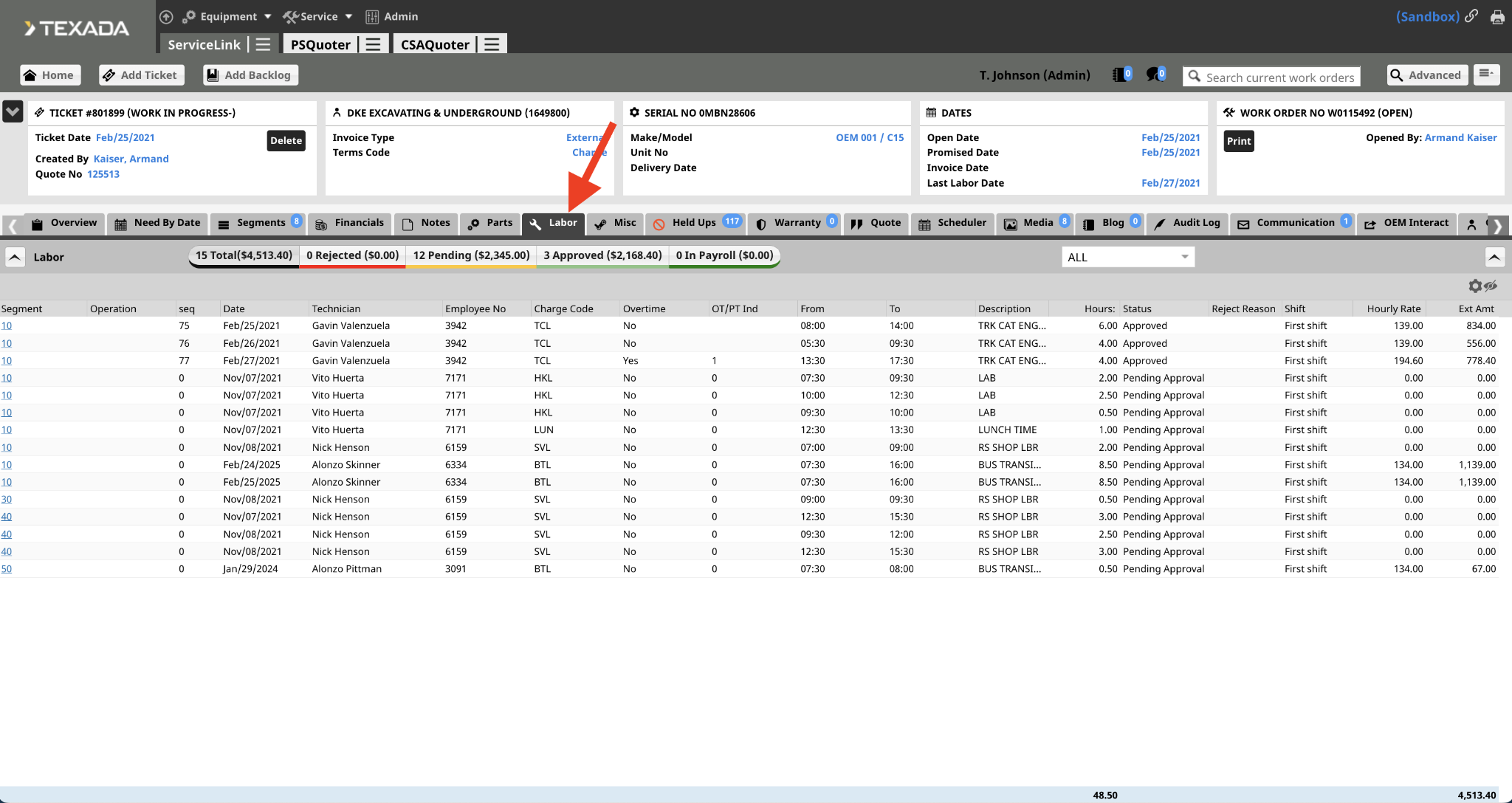
Navigating the Labor View
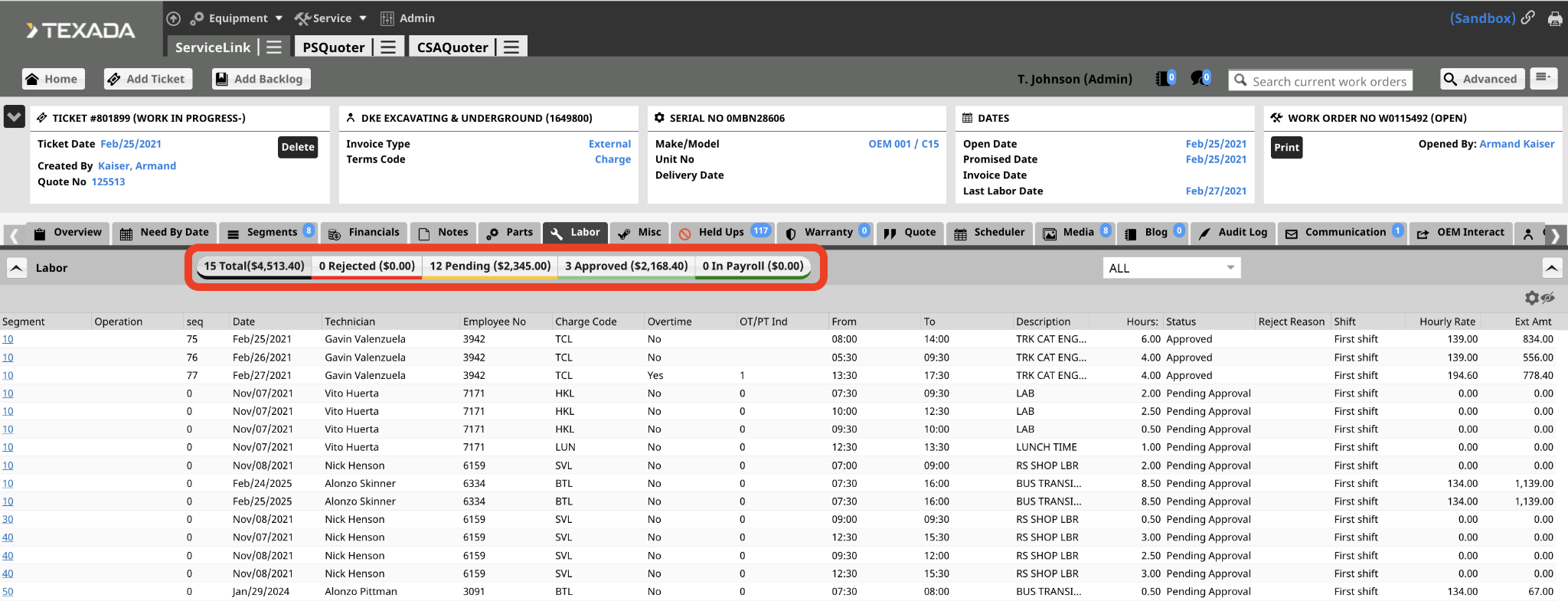
- Filter by Category: Select any of the category tabs at the top of the page to filter the Labor displayed. The number next to each label indicates the Ext Amount price for each category.
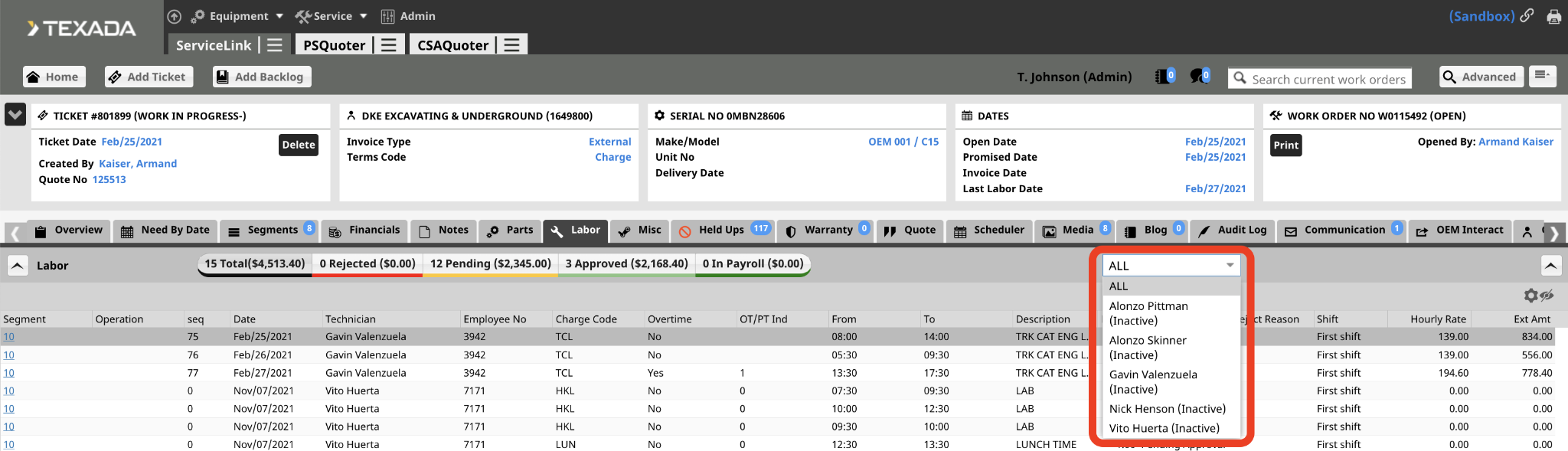
- Filter by Technician: Use the dropdown menu at the top to select a specific technician to view
- View Customization: Use the Eye icon to adjust your columns.
- Total: The blue row on the bottom of the page shows the totals for the Hours and Ext Amt columns.
Columns
- Segment: Displays the segment number; select the link to view details in the Segments tab.
- Operation: Displays the operation number; select the link to view details in the Segments tab.
- Seq: The sequence number assigned by the ERP system once labor is approved to uniquely identify the entry.
- Date: The specific calendar date the labor was performed.
- Technician: The name of the technician who performed the work.
- Employee No: The unique identification number assigned to the technician.
- Charge Code: The specific labor charge code applied to the labor entry, which determines the sell rate.
- Overtime: This field indicates any labor hours worked outside of standard business hours that are subject to increased rates.
- OT/PT Ind: This is the Overtime/Premium Time Indicator, used to define how special pay rates or premiums are applied to the labor entry.
- From: The recorded start time for the labor entry.
- To: The recorded end time for the labor entry.
- Description: The description of the labor entry from the ERP system.
- Hours: The total duration of time calculated for the labor entry.
- Status: The current state of the entry (e.g., Approved, Pending).
- Rejected Reason: If an entry is rejected during the approval process, the explanation will be displayed here.
- Shift: The specific work shift assigned to the technician.
- Rate Code: This is used to select the specific billing category for the labor performed, such as standard shop rates or field service rates.
- Internal Rate: This displays the internal cost of the labor, representing the actual technician wage or cost to the department rather than the customer's billing rate.
- Hourly Rate: The individual hourly rate to be charged to the job for this entry.
- Ext Amt: The total calculated cost for the labor entry (Hours multiplied by Hourly Rate).
- Blank: If a labor entry is in Pending status, an Edit icon will appear here. Select this icon to modify the entry details.