In This Article
Introduction
Vertex is enterprise tax automation software that helps businesses calculate, manage, and report taxes across transactions and jurisdictions. Equipment Quoting can integrate with Vertex to automate the tax calculation process for Quotes, streamlining the Quote creation process and ensuring that the correct tax rate is applied to each Quote.
How it Works
Once the Equipment Quoting - Vertex integration is enabled, taxes for a Quote can be automatically calculated based on its address.
To do this, open a Quote and navigate to the Payment Terms / Taxes tab. Use the “Delivery” and “Pickup” fields at the top of the Jurisdiction panel to select an address to use for tax calculation. You can also enter an address manually.
At minimum, a City, State, Address, and Zip code are required. Providing as much address information as possible can improve the accuracy of Vertex’s calculations and reduce the chances of an error being returned.
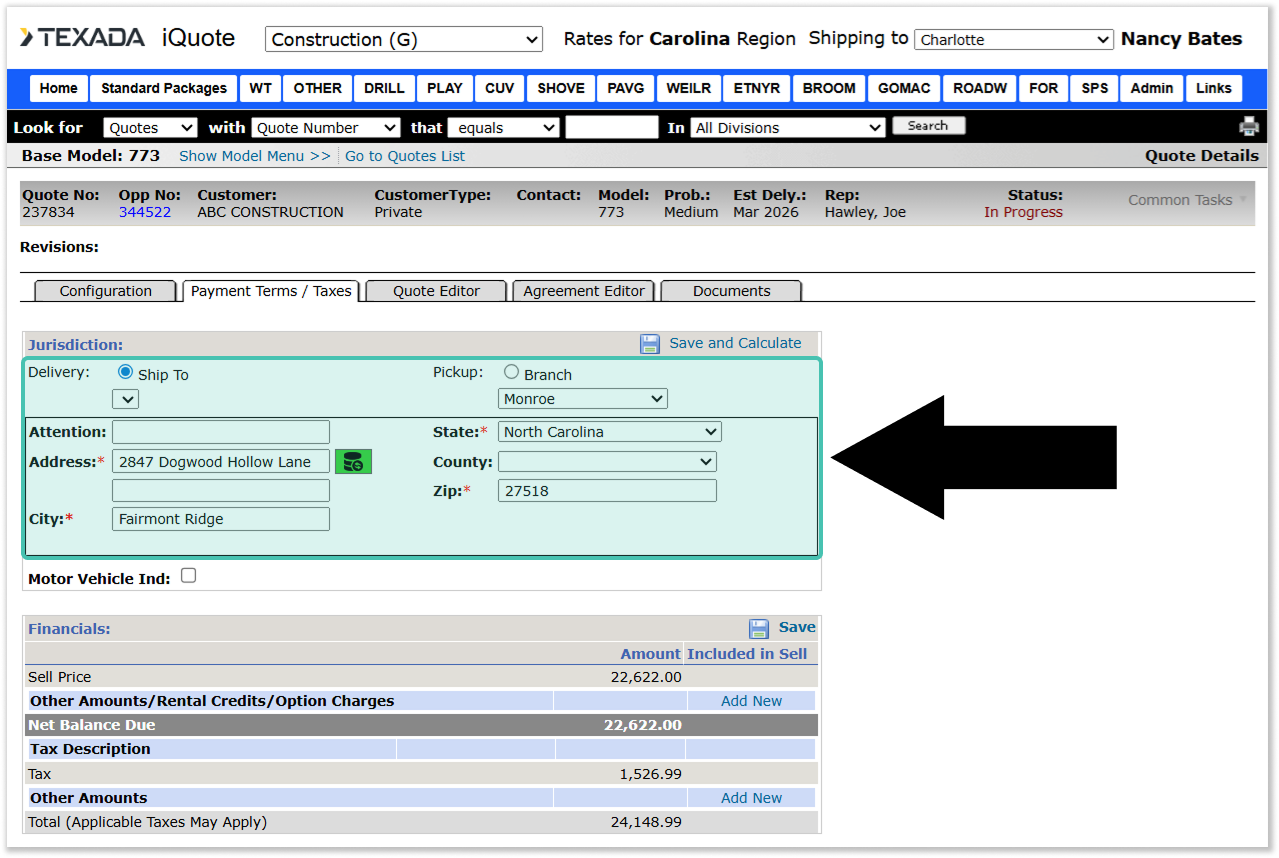
Once you have selected or entered an address, click the “Save and Calculate” button in the top-right corner of the Jurisdiction panel to send the address information to Vertex.
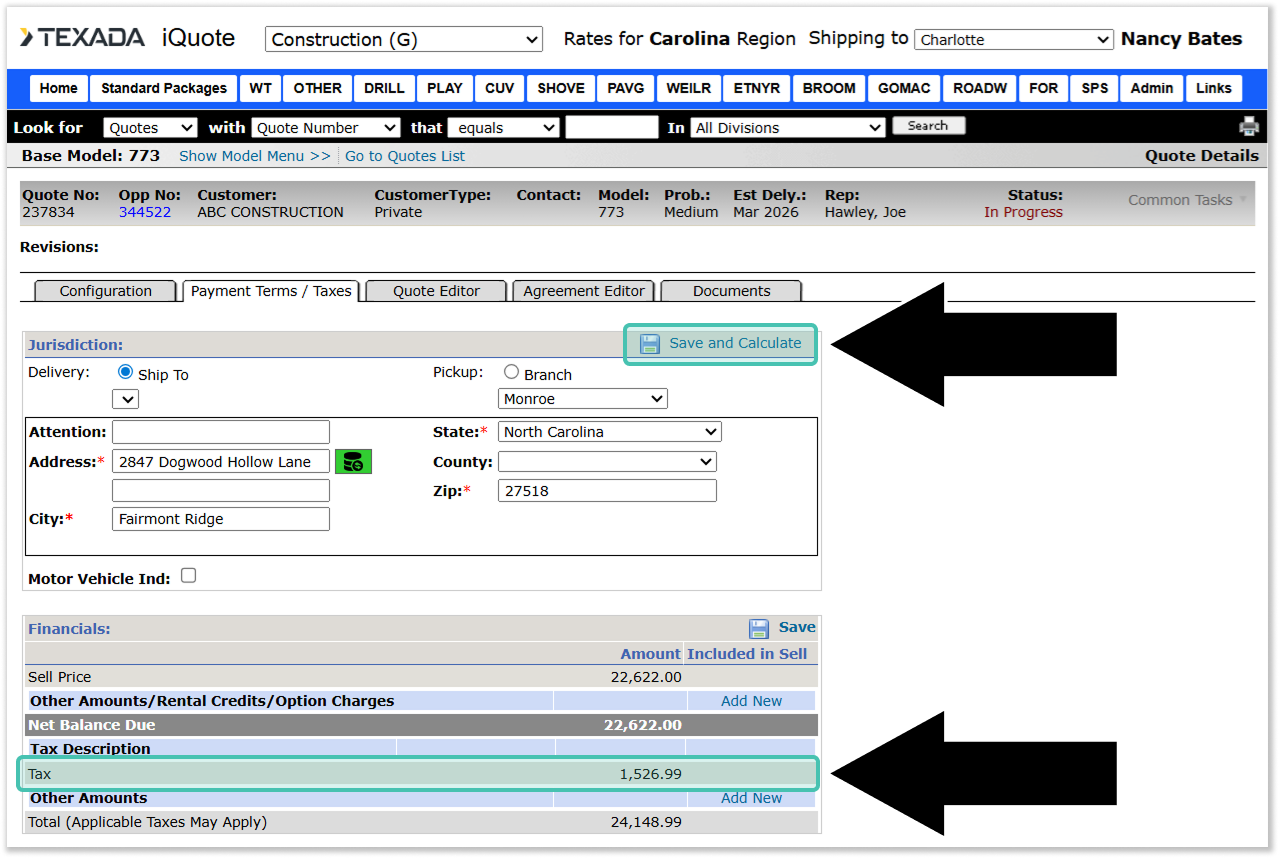
If Vertex returns a successful tax calculation, the appropriate tax amount will be automatically added to the Quote, and will be visible under the Financials panel. If Vertex returns an error, the user will have the opportunity to update the provided address information and re-send it by clicking the “Save and Calculate” button again.
Synchronizing Address and Latitude/Longitude
A synchronize button  can be found next to the Address field in the Jurisdiction panel. This button allows the user to synchronize an address with its corresponding latitude and longitude.
While the current address and its latitude / longitude are synchronized, the synchronize button will be green:
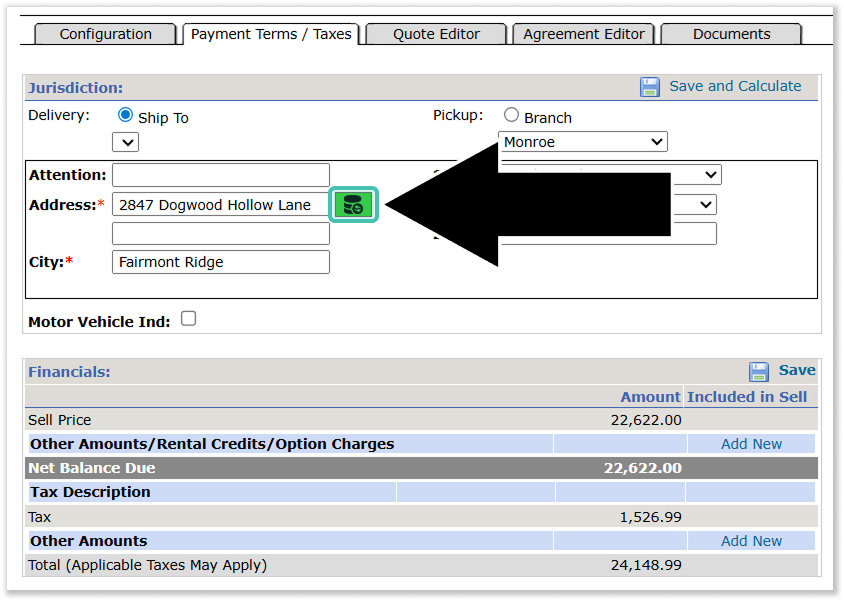
If the user updates an address field, the synchronize button will turn red  , indicating that the address is no longer synchronized with its latitude / longitude. When this occurs, click the red synchronize button to open the Address List window. This window allows the user to select a valid address and latitude / longitude pair based on possible matches found using Google Maps.
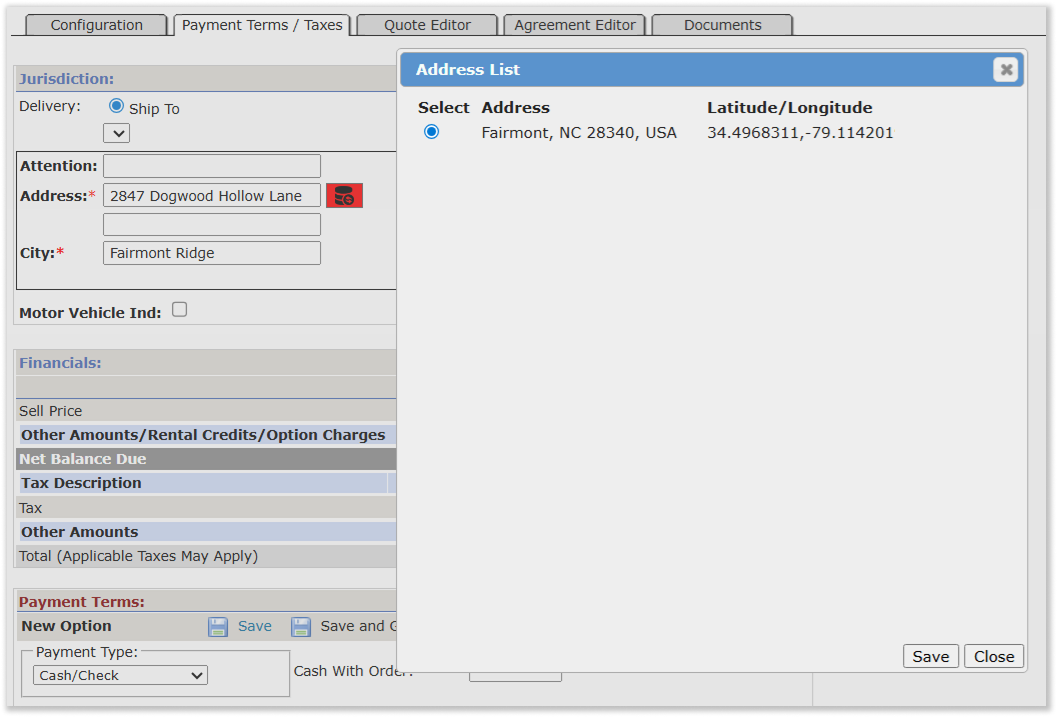
Once the desired address and latitude / longitude pair has been selected, click the 'Save’ button to update the address on the Quote. This will close the Address List window and cause the synchronize button to turn green again.
Configuration
The behavior of the Equipment Quoting - Vertex integration is determined by the following configuration keys in CloudLink Console. For more information, see “Manage Configuration Keys”.
The Vertex - Company code, Vertex - Calculate tax URL, Vertex - Tax area lookup URL, and Vertex - Trusted ID configuration keys represent the credentials and access URLs used to connect your organization with Vertex.
Depending on your particular system, this information may be provided directly by Vertex or by a partner such as Accenture. Texada will work with your organization to retrieve the values for these keys at the time of implementation.
Enable Vertex in iQuote
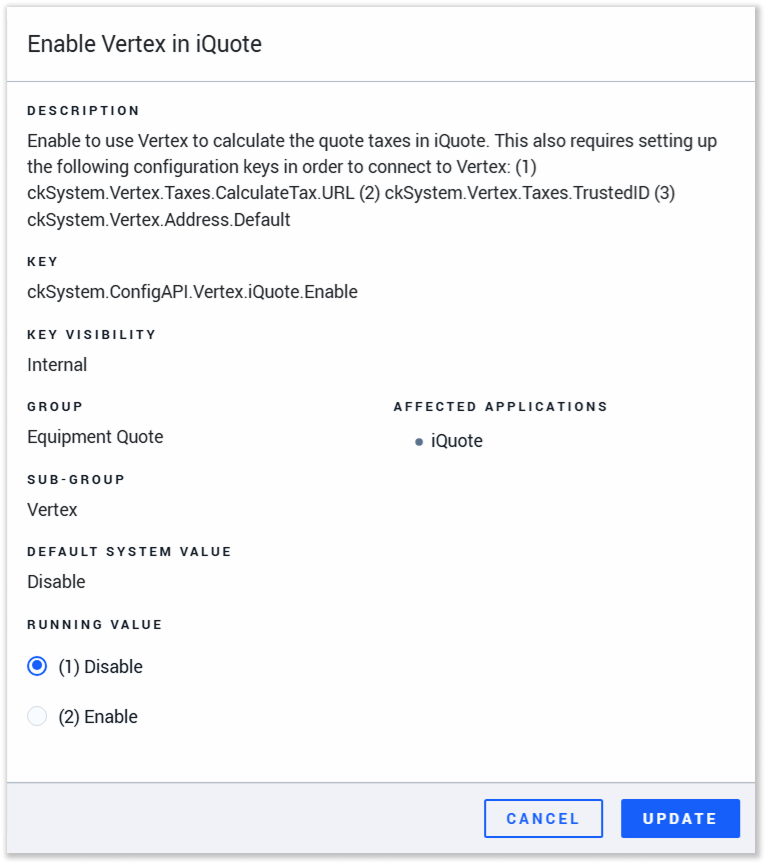 Key: ckSystem.ConfigAPI.Vertex.iQuote.Enable
This configuration key can be used to enable / disable Vertex integration in Equipment Quoting.
This key can only be modified by Texada staff. To change the status of this key, please contact your Texada account representative.
Vertex - Default Fulfillment Type Selection
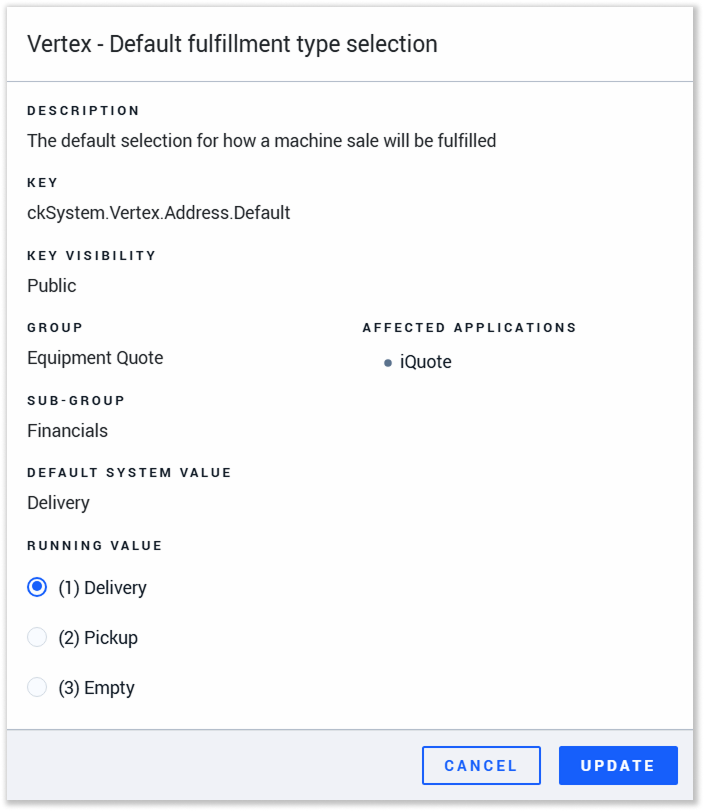 Key: ckSystem.Vertex.Address.Default
This key determines whether the default address used for Vertex tax calculation is Delivery, Pickup, or Empty.
Geocoordinates Visibility
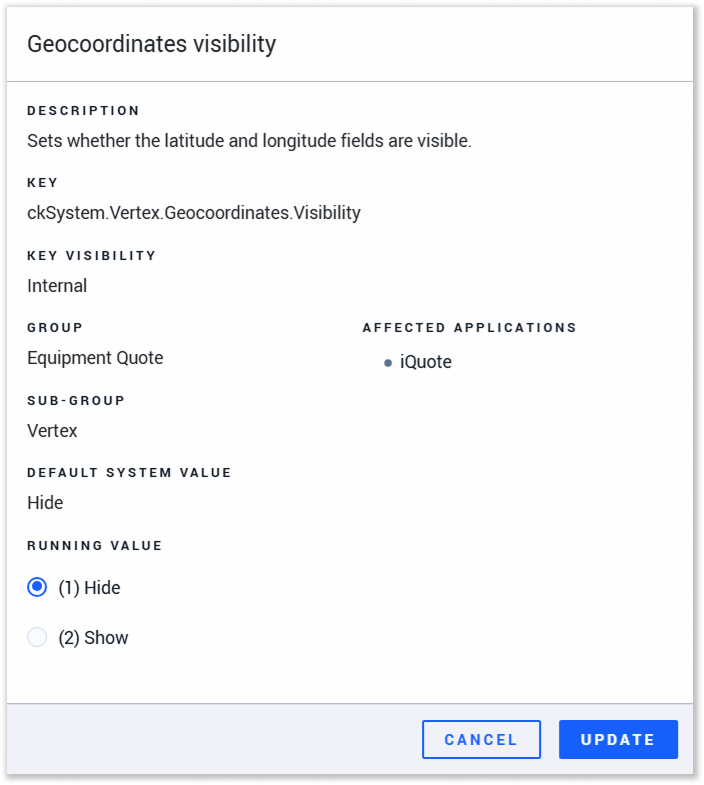 Key: ckSystem.Vertex.Geocoordinates.Visibility
This key determines the visibility of the latitude and longitude fields in the Vertex section of the Payment Terms / Taxes window.
This key can only be modified by Texada staff. To change the status of this key, please contact your Texada account representative.
Vertex - Company Code
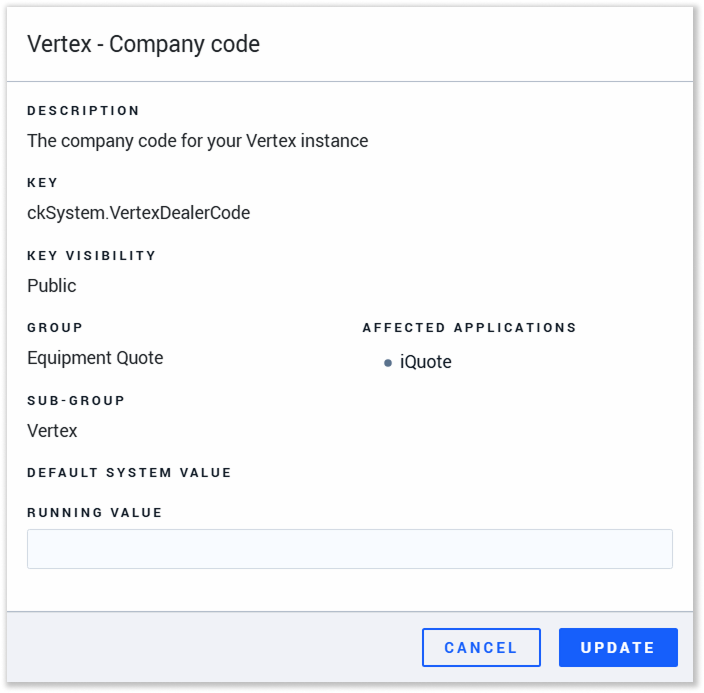 Key: ckSystem.VertexDealerCode
Your organization’s Vertex Company Code. This is an identification number for your organization issued by Vertex.
Vertex - Calculate Tax URL
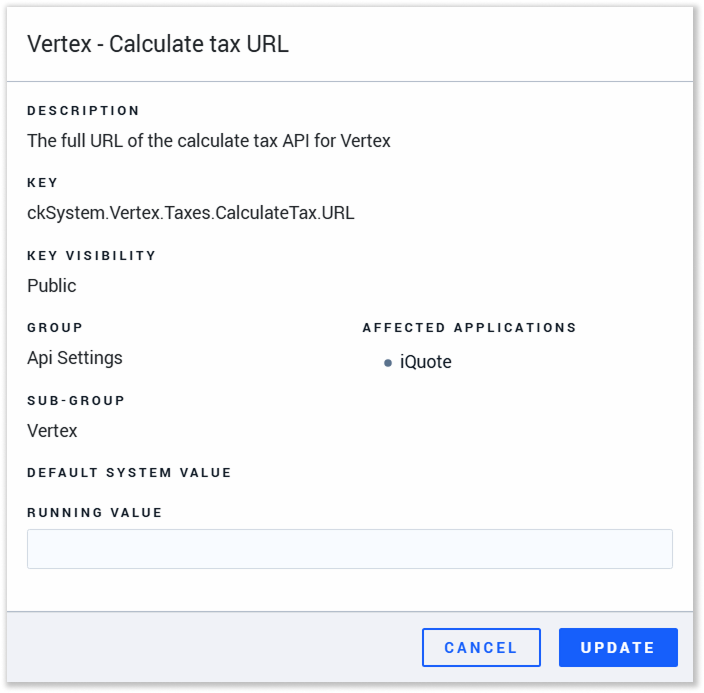 Key: ckSystem.Vertex.Taxes.CalculateTax.URL
The URL used for the Calculate Tax function.
Vertex - Tax Area Lookup URL
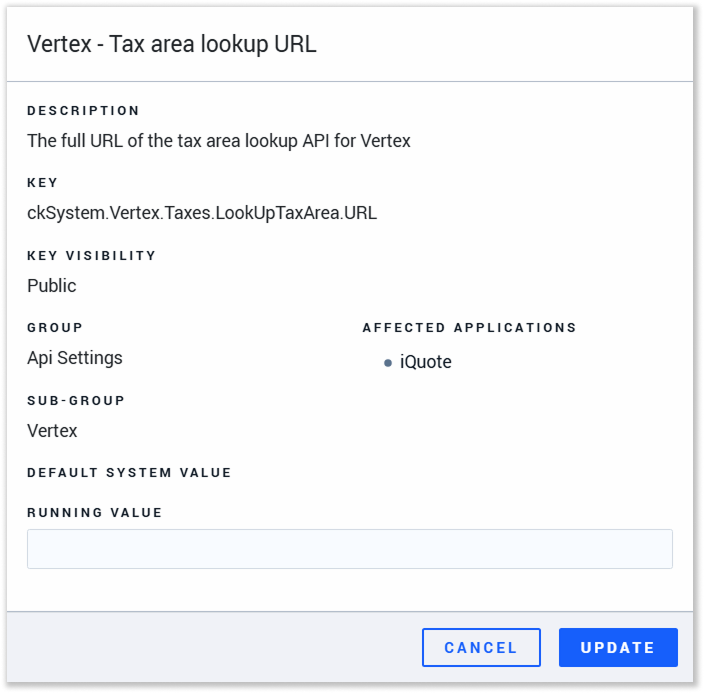 Key: ckSystem.Vertex.Taxes.LookUpTaxArea.URL
The URL used for the Address Verification function.
Vertex - Trusted ID
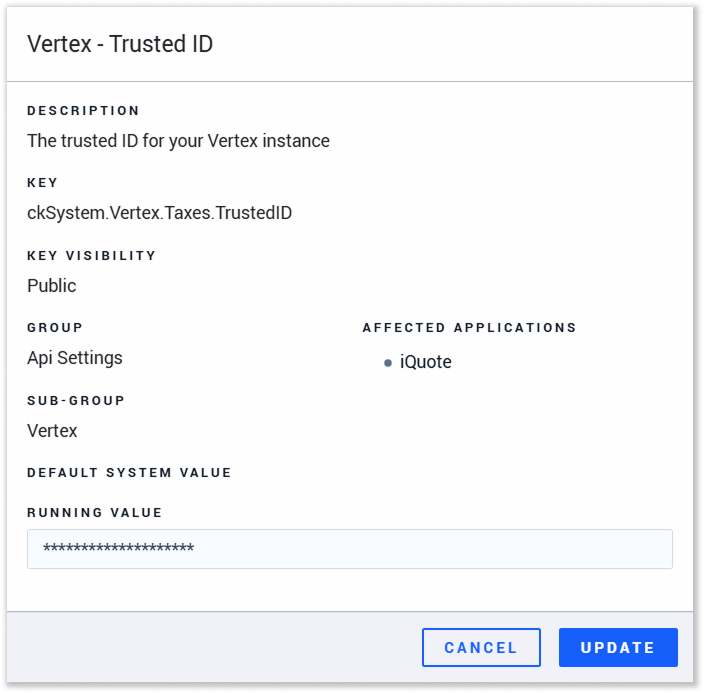 Key: ckSystem.Vertex.Taxes.TrustedID
The TrustedId used to connect to the Calculate Tax and Address Verification URLs.