Key things to know
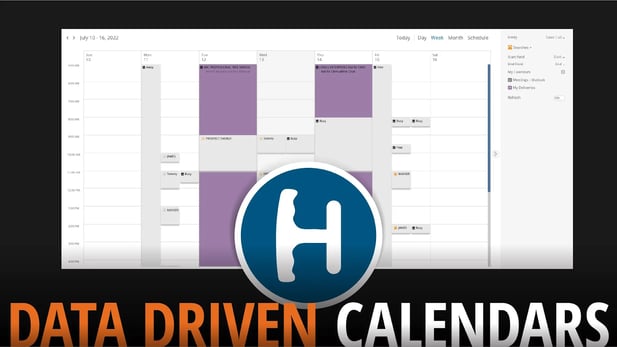
- Multiple Handle calendars can be combined into one view
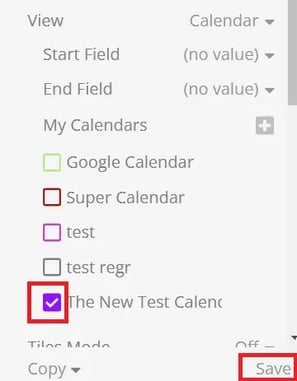
- Check boxes can be used to toggle the each calendar’s visibility
Consolidate Handle Calendars into a single view
Handle’s “My Calendars” also allows you to add saved Searches as calendar views to Handle’s main calendar, where you can turn their visibility on and off individually.
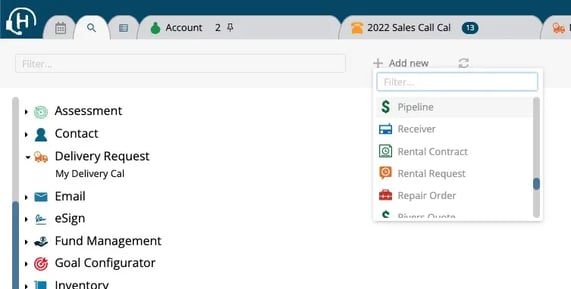
- Open the saved calendar search that you want to feed into your calendar app.
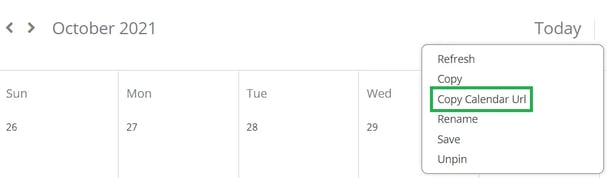
- Right Click on the calendar and select “Copy Calendar URL”.
- In Handle’s Main Calendar view, open the settings (gear icon
 ) and click + next to “My Calendars”.
 - Name the calendar view, paste the URL, select a color for the calendar, and then click Save. Use the check the box next to the new Calendar to make it visible.