.png?width=365&height=50&name=Texada%20Logo%20(Black).png)
In This Article
- Introduction
- PCRs by Reason
- PCR by Stock Number
- PCRs
- Project Schedule - By Stock No
- Project Schedule - In progress
- Project Summary List
- Stock Number by Delivery Variance
- Stock Number by Model
- Stock Numbers by Program
- Stock Number ESC
- Stock Feature
Introduction
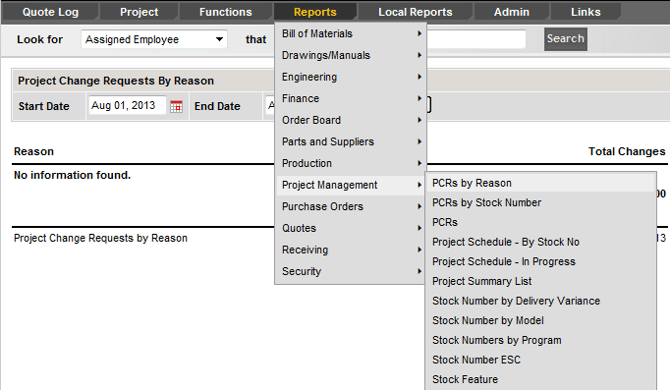
The Project Management menu provides reports for tracking project schedules, change requests (PCRs), delivery variances, and stock-level project details.
PCRs by Reason
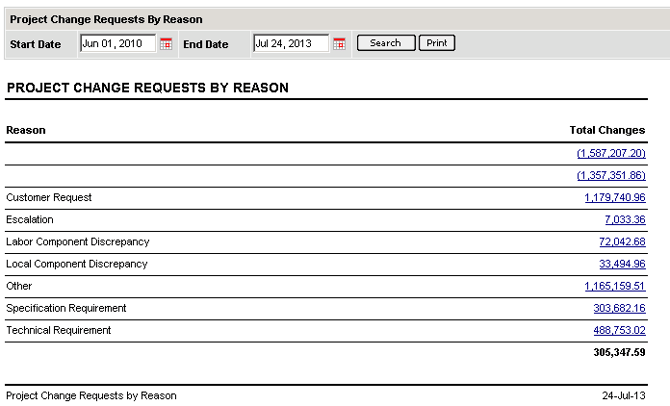
This report displays Project Change Requests (PCRs) for a certain date range, and the financial impact of those changes. This report can be used as good audit tool and training aid.
PCR by Stock Number
This report details include the project name and number, class, reason, action, previous budget, current budget, and budget variance.

PCRs
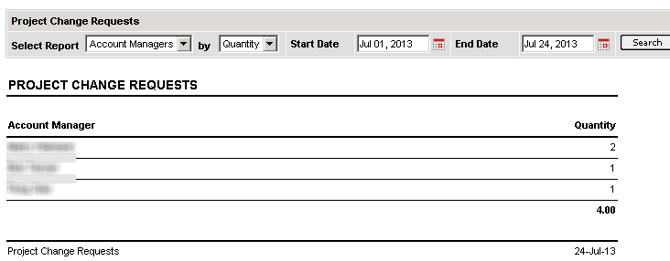
This report shows Project Change Requests based on your chosen parameters. A menu bar at the top of the screen presents the available data points and provides a date range for your search.
Project Schedule – By Stock No
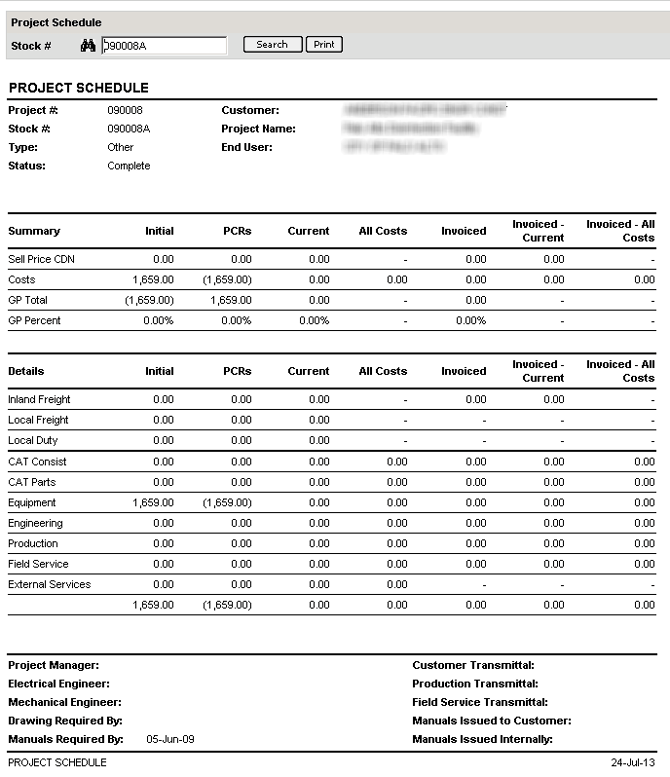
This report shows any given stock number’s schedule and budget/cost details.
Project Schedule - In progress
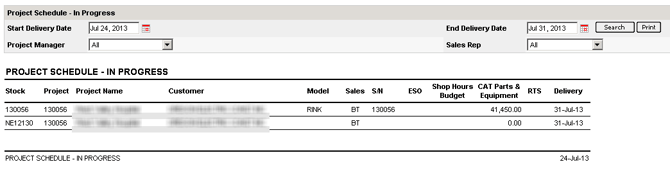
This report creates a list based on the start and end delivery date and can be filtered by Project Manager and Sales Rep.
Project Summary List
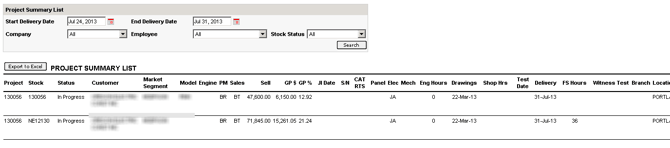
This report is the complete details of a Project. It can be filtered by Start and Ending Delivery dates as well as by Company, Employee and Stock Status.
Stock Number by Delivery Variance
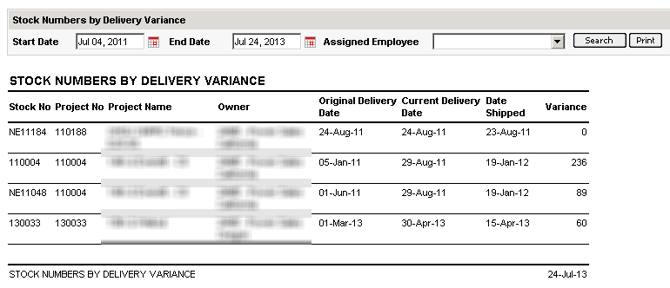
This report creates a list of stock numbers whose original delivery date falls between the specified dates. This list displays the original and current delivery dates, the variance between those dates, and the date it was shipped. You can filter this report by employee.
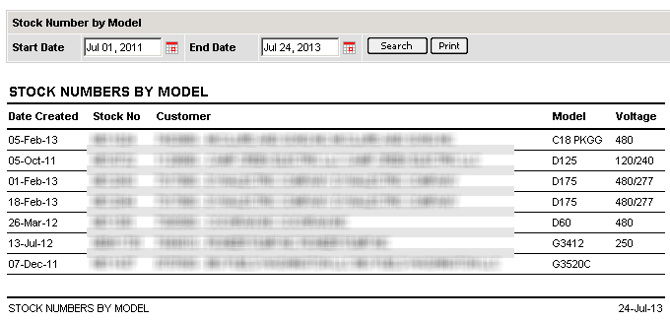
Stock Number by Model
This report searches by date range and shows a list of stock numbers by model.
Stock Numbers by Program
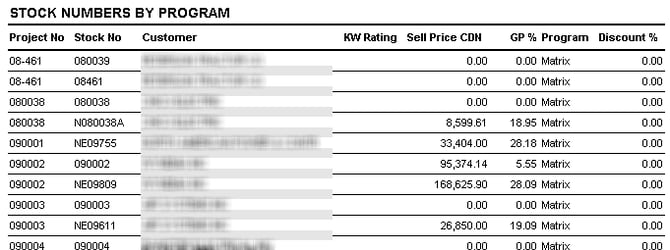
This report creates a list of stock numbers by discount program. The drop down menu allows you to choose the criteria you’d like to search.
Stock Number ESC
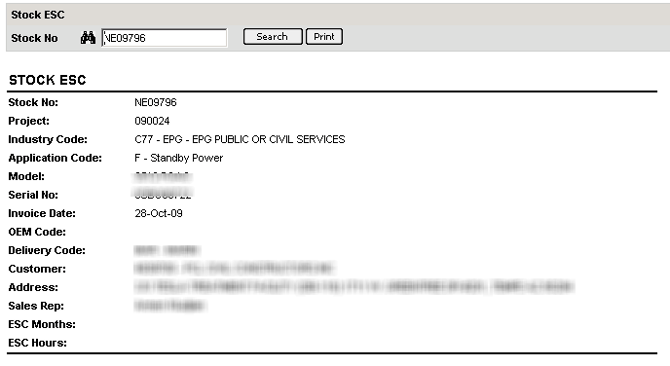
This report lists a stock number’s details, including customer, sales rep, and extended warranty months and hours.
Stock Feature
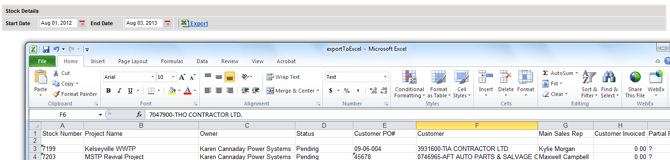
This report creates a detailed EXCEL report on all stock numbers within a given date range (by Delivery Date).