.png?width=365&height=50&name=Texada%20Logo%20(Black).png)
In This Article
Introduction
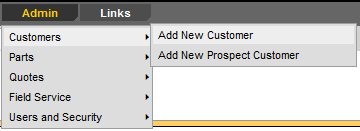
The Customers administration tools allow you to create and manage customer and prospect accounts in iMACS, including submitting requests for DBS customers and immediately adding non-DBS prospects.
Customers
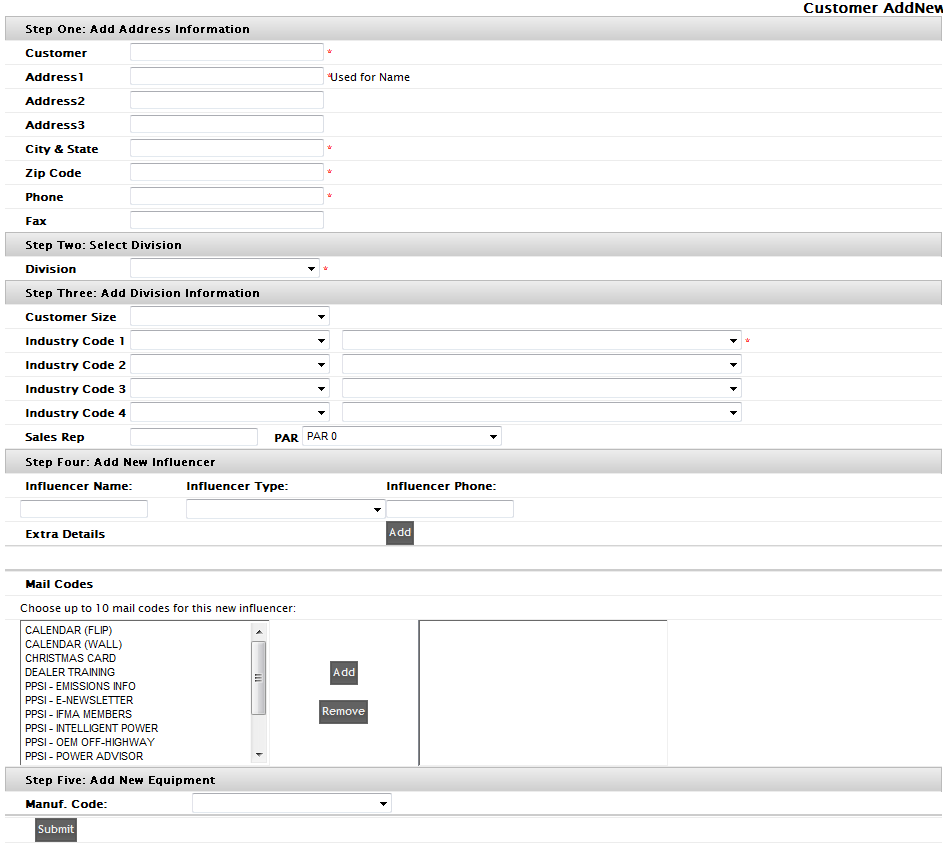
The Add New Customer and Add New Prospect Customer screens and the fields for these two functions are the same. What differs is the workflow of each. The Add New Customer option creates a Request for the primary SalesLink Gatekeeper responsible for the iMACS application. Use this option when you would like to add a customer to DBS.
The Add New Prospect Customer feature creates a SalesLink Prospect account (non-DBS) that can be later transferred to a DBS account (via the Gatekeeper) if applicable. Prospect accounts are easily identifiable by the leading $ in the account number. Prospects are available immediately, as they ‘live’ within SalesLink and do not require a Gatekeeper or an overnight batch.