.png?width=365&height=50&name=Texada%20Logo%20(Black).png)
Introduction
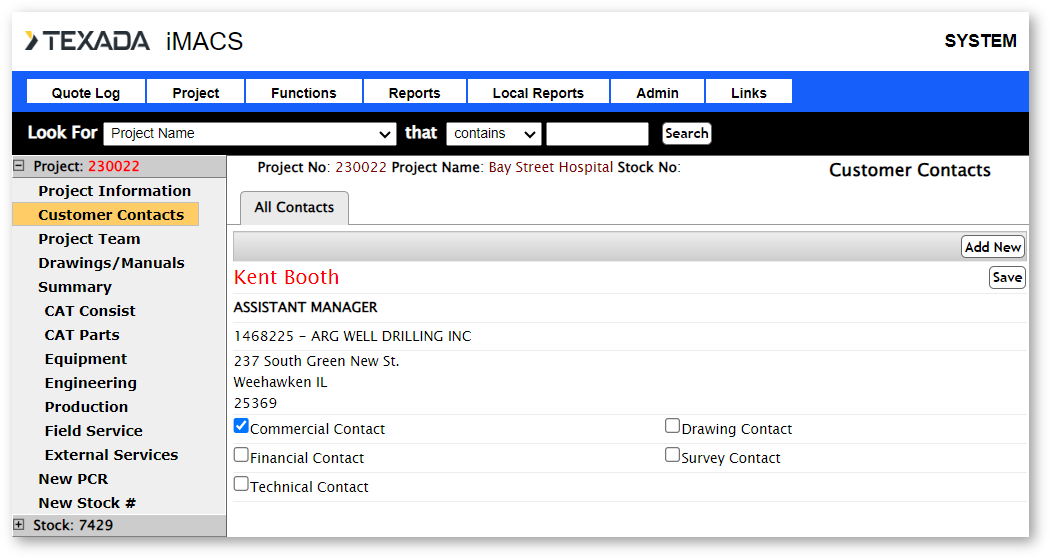
The All Contacts tab is a list of all customer contacts for the project. The Commercial, Drawing, and Technical Contacts are chosen from the customer contacts list.
Click on Add New to populate the Customer Contacts screen. Assign Influencers on the account to various responsibilities such as Technical Contact or Financial Contact. Click Save to save your edits.