Outlook from Web
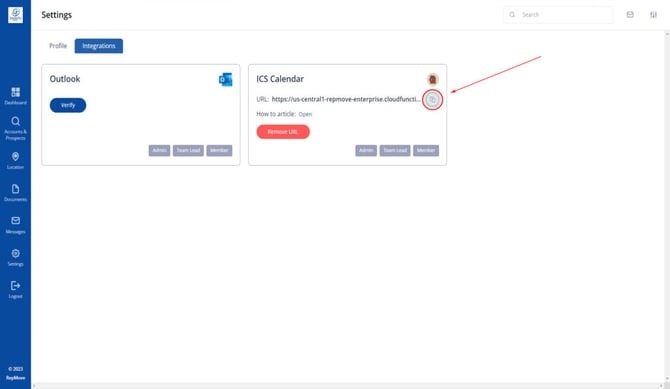
- Go to Settings and navigate to Integrations on your Field Service Tracker Dashboard. Copy the link.
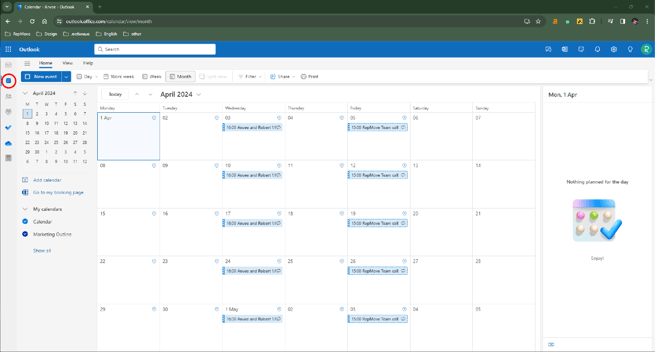
- Launch Outlook on your computer.
- In the left-hand sidebar, click the Calendar button.
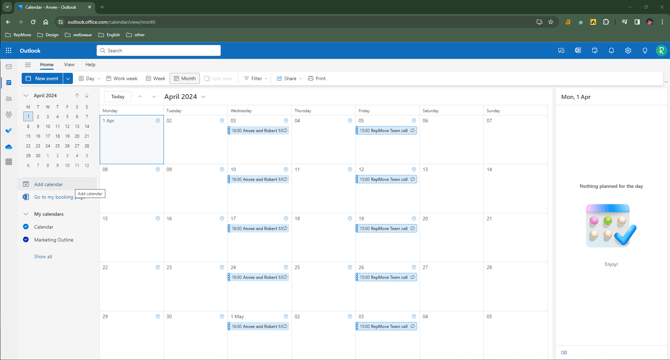
- Select Add Calendar.
- A pop-up box will appear. Select Subscribe from Web.
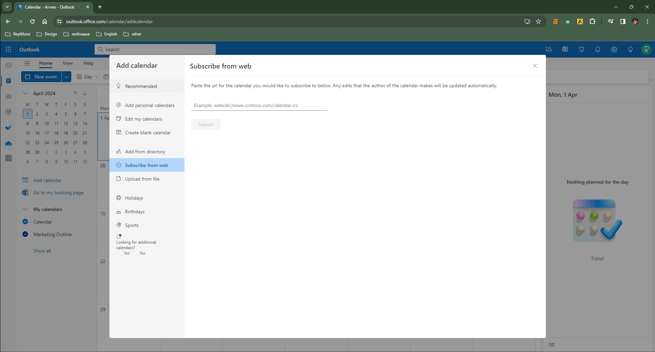
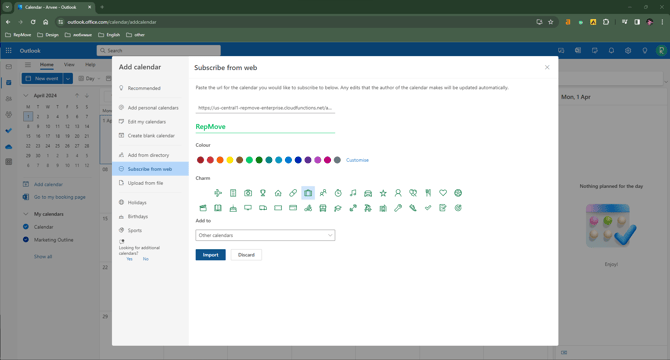
- Paste the link from step 1 and populate the data. Click Import.
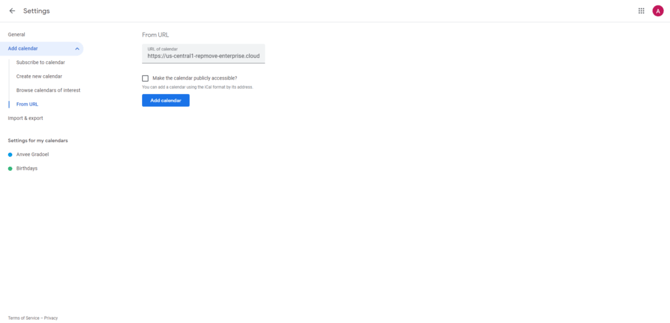
Gmail from Web
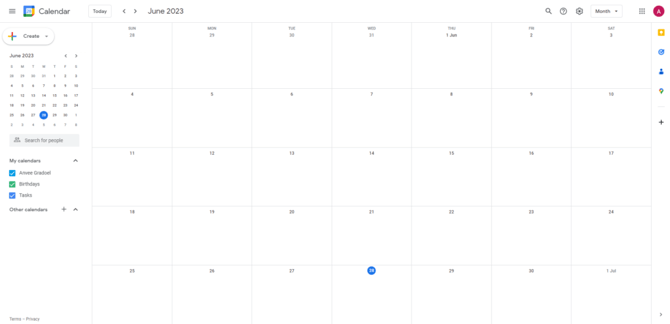
- Open the Calendar.
- From Other Calendars choose From URL.
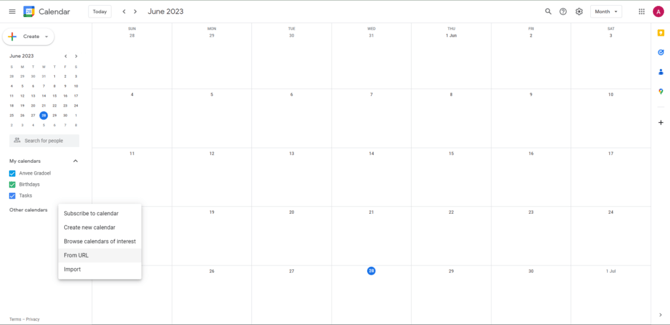
- Paste the ICS URL.
Outlook from iPhone
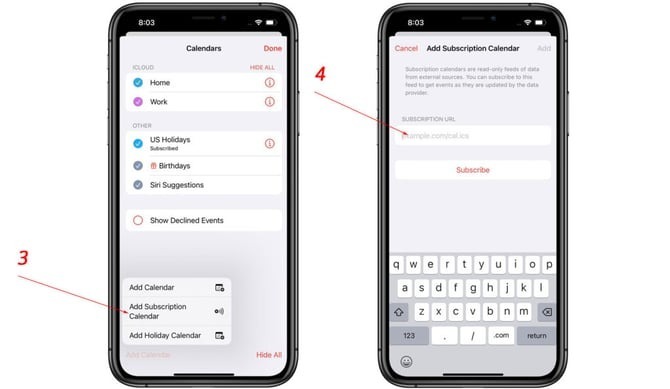
- At the bottom of the Outlook app, tap on the Calendars. This will open the Calendar view.
- In the Calendar view, tap on the Add Calendar located at the bottom left corner of the screen.
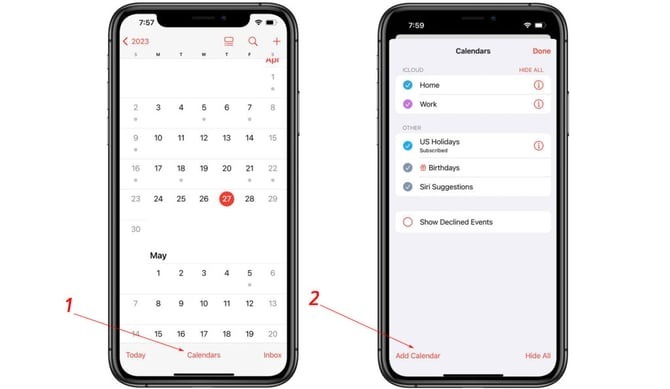
- In the pop-up menu that appears, choose the From Internet option.
- Paste the URL of the ICS calendar in the provided text box and hit Subscribe.