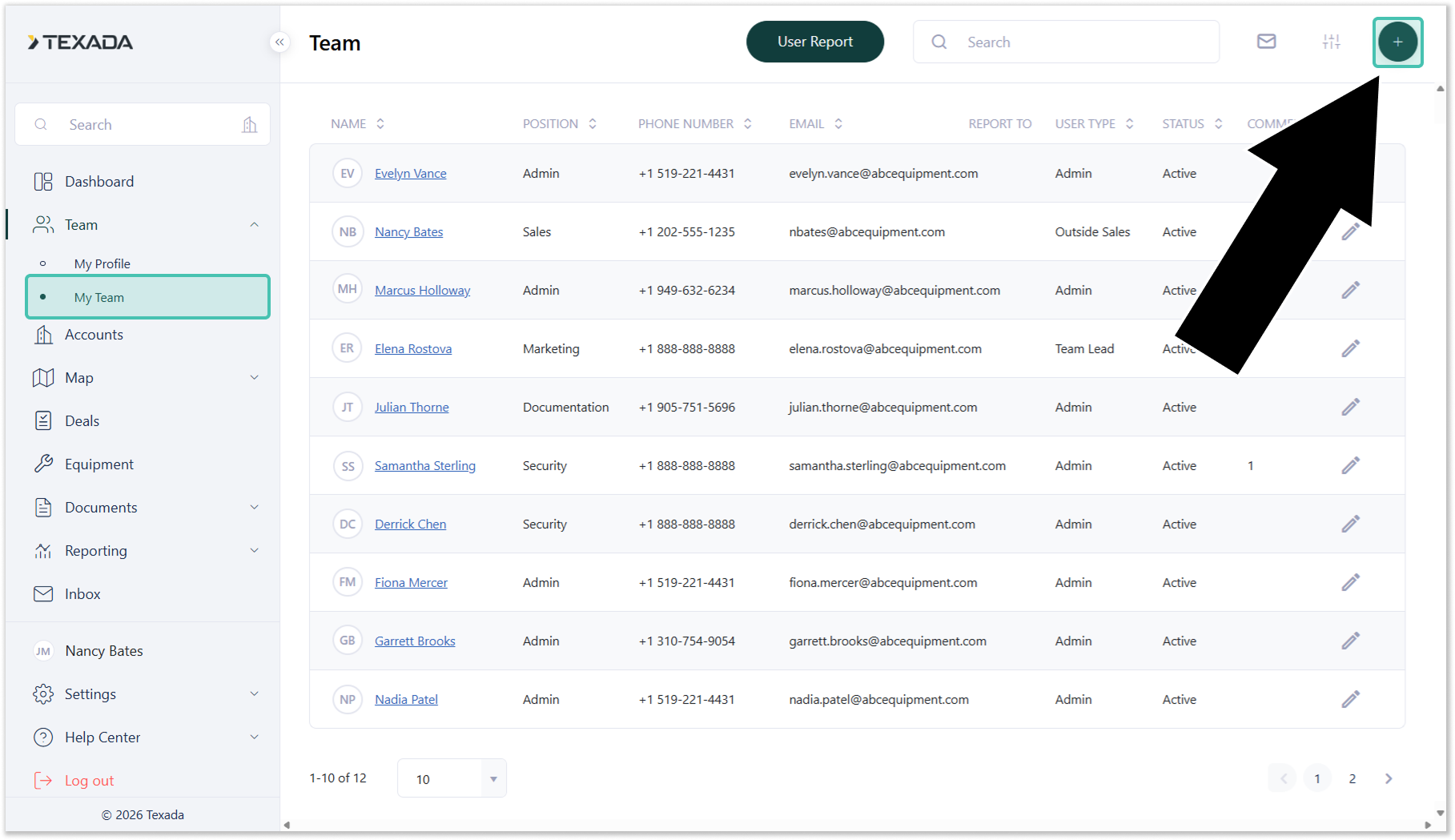
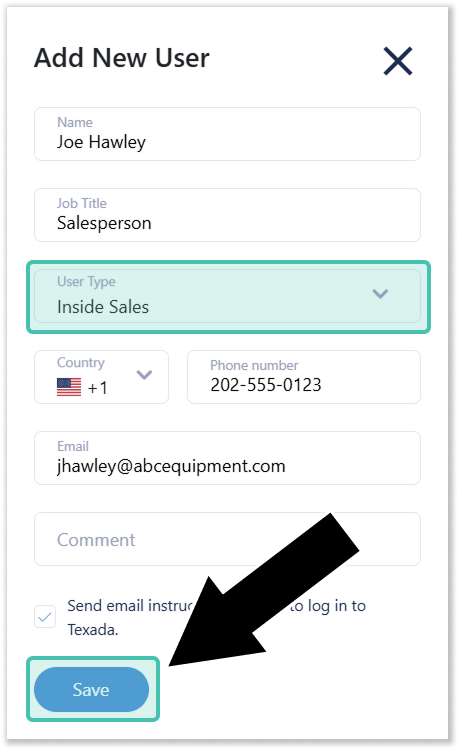
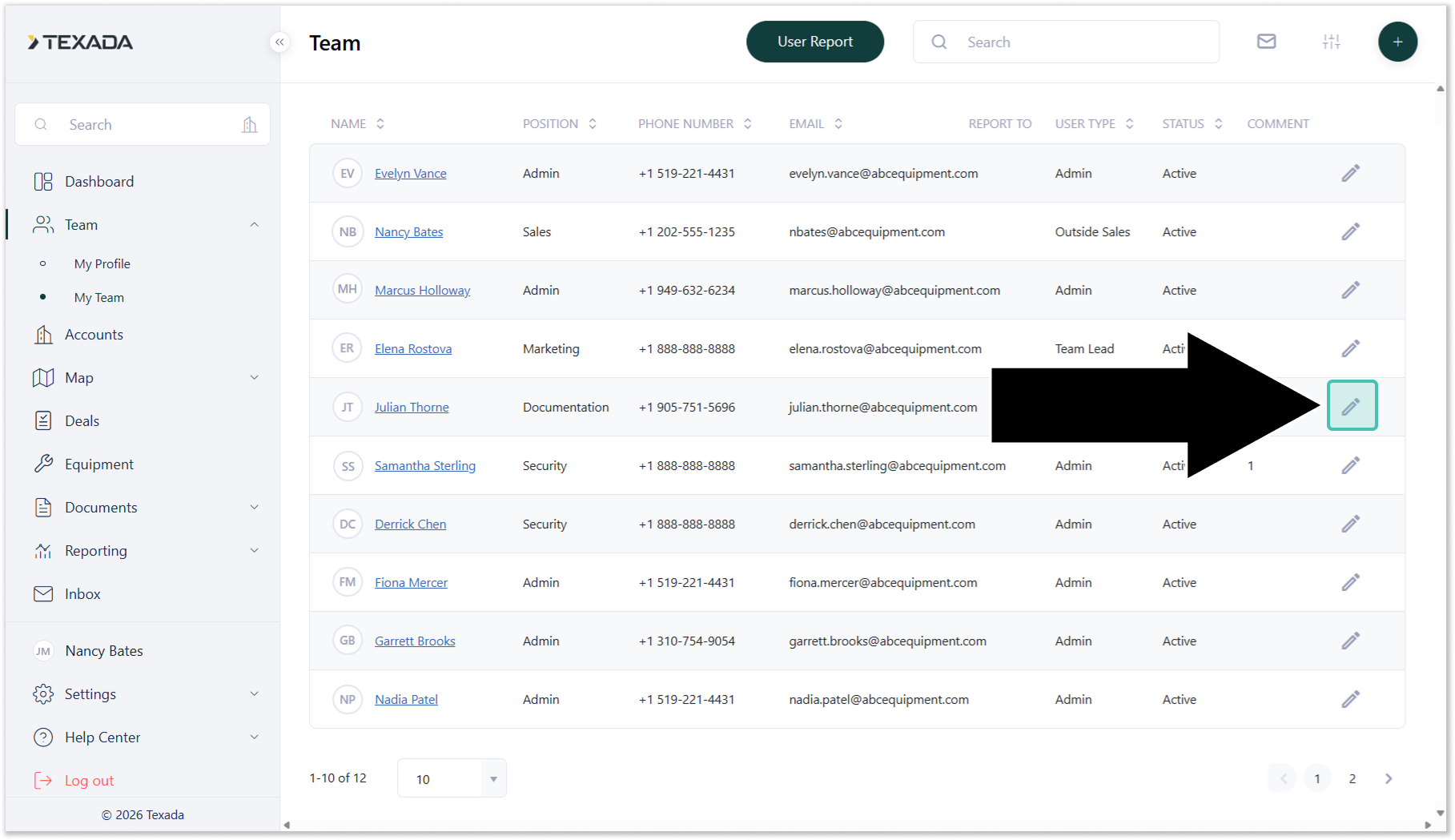
Add a Team Member How to add a team member in Field Sales Tracker. Open Field Service Tracker and navigate to Team on the left. Hit the plus (+) icon in the top right. Populate the Data and assign the User Type, then click Save. You can edit or delete your user by clicking on the pencil.